Summary:
Digital transformation trends focus on how businesses use AI, intelligent automation, hybrid cloud, data analytics, and cybersecurity to improve efficiency and customer experience. These trends help organizations modernize systems, make better decisions, reduce operational costs, and stay competitive. The blog explains real industry use cases, key challenges, and future developments, offering practical guidance for companies planning long-term digital transformation strategies.
A few years ago, “going digital” mostly meant having a website and maybe a basic CRM system. Today, that sounds almost old-fashioned. Walk into any modern office, and you’ll see cloud dashboards on screens, automated workflows running in the background, and teams discussing data like it’s second nature.
This shift isn’t random. It’s driven by clear digital transformation trends that are reshaping how companies work, compete, and grow. From digital transformation with AI to intelligent automation, businesses are rethinking everything, sometimes with excitement, sometimes with doubt, and often with a bit of trial and error.
Let’s look at what’s really happening.
The Evolving Digital Business Landscape
Businesses are now operating in a digital-first economy. For many companies, digital systems are no longer “support tools.” They are the backbone of daily operations.
Technology investments are tied directly to growth and competitiveness. When leaders approve budgets today, they don’t just ask, “How much does this cost?” They ask, “Will this help us scale faster? Will customers notice the difference?”
Enterprises are modernizing systems to improve speed, efficiency, and customer experience. Old, slow platforms create friction. You can almost feel the slow reports, delayed approvals, and messy data. Over time, it drains energy from teams.
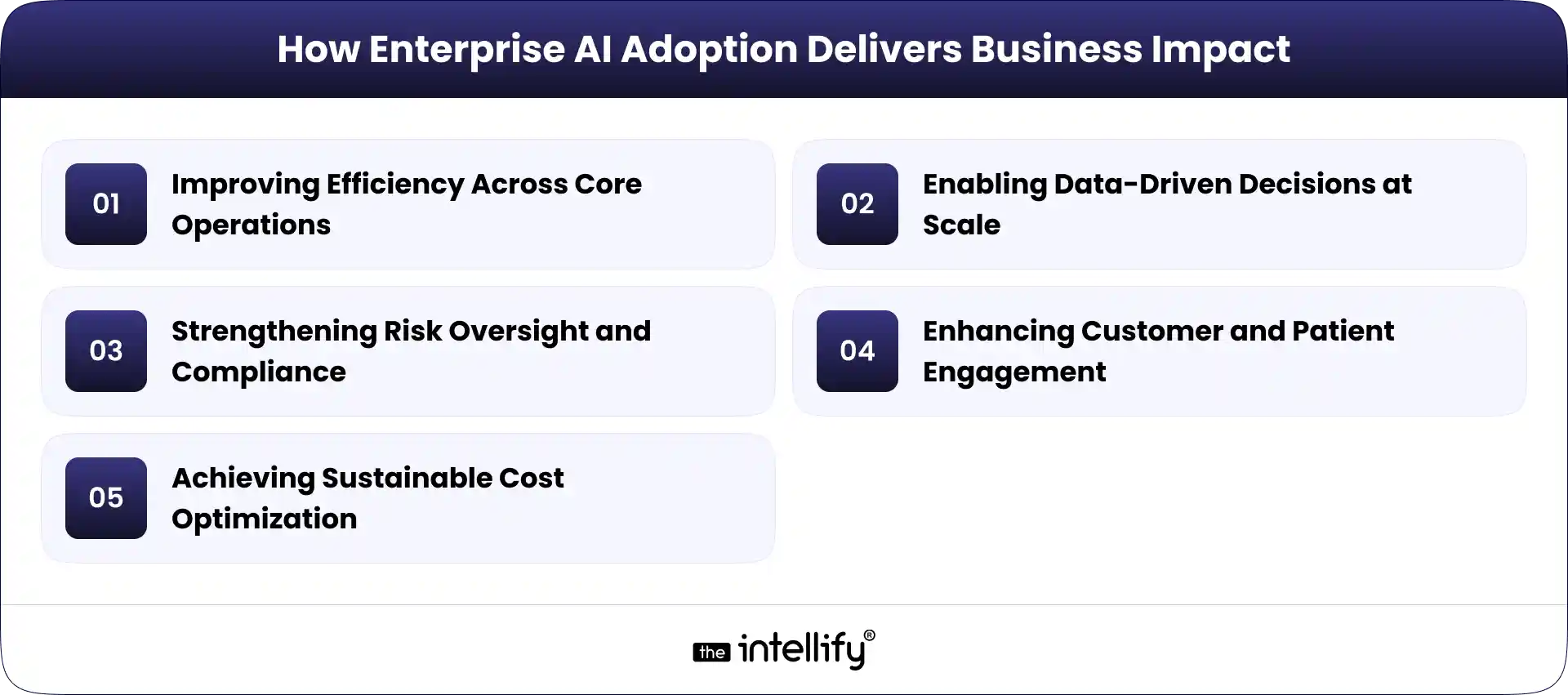
At the same time, AI, hybrid cloud, intelligent automation, and advanced analytics are emerging as key digital transformation trends across industries. These tools are not “nice to have” anymore. They are becoming standard.
What Are Digital Transformation Trends?
In simple terms, digital transformation trends are patterns in how businesses adopt and use technology over time. They are not about installing one new tool and calling it a day. That’s a digital upgrade. Real transformation is different. It’s about changing how work happens.
For example, switching from spreadsheets to a cloud ERP is an upgrade. Redesigning your planning process around real-time data is transformation.
Trends reflect deeper shifts in business strategy, customer behavior, and technology adoption. Customers expect faster responses. Employees want flexible tools. Leaders want clearer insights. Technology adapts to meet these needs.
Enterprises track these trends through market research, peer benchmarking, pilot projects, and sometimes plain old experimentation. Some ideas work. Some fail. That’s normal. Staying competitive means learning quickly and adjusting.
This foundation matters. Without understanding trends, transformation becomes random and expensive.
The Current Landscape of Enterprise Transformation
Most organizations today are under pressure to move faster. Markets change quickly. Customer loyalty is fragile. One bad digital experience can push someone away. This has created a growing demand for agility and speed. Teams want systems that respond in seconds, not days.
There is also a strong rise in data-driven operations. Decisions are no longer based only on gut feeling. Managers now ask for dashboards, forecasts, and evidence.
Legacy systems are slowly being replaced by cloud-based environments. Many companies still rely on old software, but maintaining it feels like fixing a leaking pipe every week.
Customer experience has become a real competitive differentiator. Smooth apps, fast support, and personalized offers matter more than flashy ads. All this creates the setting in which modern digital transformation trends are taking shape.
Core Digital Transformation Trends:
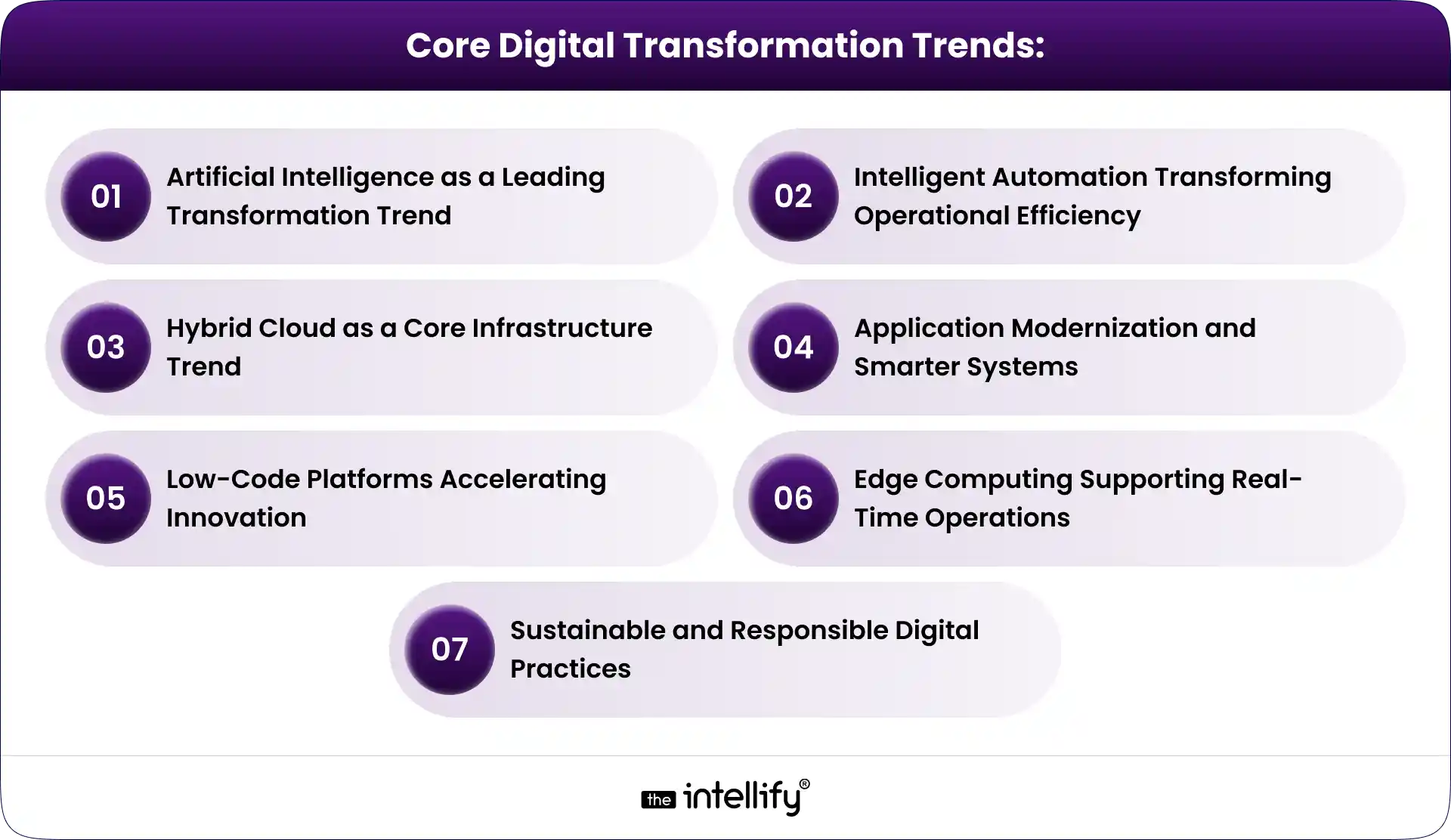
1. Artificial Intelligence as a Leading Transformation Trend
Artificial Intelligence is no longer limited to research labs. It is quietly spreading across departments. In finance, AI helps analyze spending patterns. In HR, it screens resumes. In marketing, it predicts customer behavior. Over time, it becomes part of daily work.
Predictive analytics and forecasting allow companies to look ahead instead of reacting late. A retailer can forecast demand. A logistics firm can anticipate delays.
Intelligent customer engagement is another big area. Chatbots, voice assistants, and recommendation engines are improving service quality when done right. Poorly designed AI still frustrates users, honestly.
AI-driven decision support helps leaders compare scenarios and risks. It doesn’t replace humans. It supports them.
Industry examples
- Retail demand planning: AI predicts which products will sell next month, reducing overstock.
- Healthcare diagnostics: Algorithms help doctors spot patterns in medical images.
- Financial fraud detection: Systems flag suspicious transactions in seconds.
- Manufacturing performance analysis: Machines report early signs of failure.
When digital transformation with AI works well, it feels invisible. Things just run smoother.
2. Intelligent Automation Transforming Operational Efficiency
Intelligent automation means using software to handle repetitive work, supported by AI insights. It goes beyond simple rule-based automation. These systems can learn, adapt, and improve.
For example, instead of manually checking every invoice, software reads it, validates it, and sends it for approval. Humans step in only when something looks odd.
This combination of automation and AI streamlines workflows and reduces errors. Over time, teams trust the system more.
Common use cases
- Invoice processing: Faster approvals, fewer mistakes.
- HR onboarding: Automatic document collection and account setup.
- IT service management: Ticket routing and issue prediction.
- Supply chain coordination: Real-time order tracking.
The result is better speed, accuracy, and consistency. Employees spend less time on boring tasks. That matters more than many leaders realize.
3. Hybrid Cloud as a Core Infrastructure Trend
Hybrid cloud combines public cloud services with private infrastructure. It’s a mix, not a compromise. Many businesses avoid relying on a single provider. Vendor lock-in feels risky. Prices change. Policies shift.
Hybrid models support remote and distributed teams. Files, apps, and dashboards remain accessible from anywhere. They also enable scalable data and AI workloads. When processing demand rises, capacity can expand quickly.
Disaster recovery and system resilience improve as well. If one environment fails, another can take over. It brings peace of mind, especially after a few painful outages.
Additional Digital Transformation Trends:
4. Application Modernization and Smarter Systems
Many organizations still run on outdated software. It works, but barely.
Modernization means upgrading to flexible, cloud-based platforms. It also means connecting systems through APIs so data flows freely. Performance improves. Updates become easier. Scalability increases.
Why this matters: most digital transformation journeys begin here. If the foundation is weak, everything else struggles.
5. Low-Code Platforms Accelerating Innovation
Low-code tools allow teams to build applications with minimal coding. Business users can create dashboards, forms, and workflows themselves. IT teams become advisors instead of bottlenecks.
This speeds up development and reduces workload. Small and mid-sized companies benefit especially. They can digitize processes without massive budgets.
Why this matters: it lowers technical barriers and encourages innovation.
6. Edge Computing Supporting Real-Time Operations
Edge computing processes data close to where it is generated. This reduces delays. In factories, milliseconds matter. In hospitals, they can save lives.
It supports IoT devices and smart systems. Sensors, cameras, and machines all generate massive data. Operational visibility improves. Managers see issues as they happen.
Why this matters: industries like manufacturing, logistics, and healthcare depend on real-time decisions.
7. Sustainable and Responsible Digital Practices
Digital systems also consume energy. Servers run day and night. Companies are now focusing on energy-efficient cloud usage and reducing infrastructure waste.
Responsible AI is becoming important. Bias, transparency, and explain ability are no longer optional. Transparent data management builds trust.
Why this matters: sustainability is becoming part of digital strategy, not a side project.
Data-Driven Decision Making and Advanced Analytics
Many organizations now rely on data instead of intuition when making decisions. Centralized data systems help teams work with consistent and reliable information.
Real-time dashboards give leaders quick visibility into sales, operations, and performance. Instead of waiting for monthly reports, they can spot issues early and respond faster.
- Predictive analytics supports future planning. Sales forecasts, demand predictions, and cost simulations help businesses prepare before problems appear.
- Data centralization also reduces dependency on technical teams. Managers and team leads can access insights directly, improving speed and accountability.
- However, strong data governance is essential. Without clean and well-managed data, even advanced analytics can produce misleading results.
Cybersecurity and Digital Trust as a Strategic Priority
- As digital systems grow, security risks increase. More cloud platforms, devices, and integrations mean more potential vulnerabilities.
- Cybersecurity is now a strategic priority, not just an IT task. Data breaches can damage reputation, disrupt operations, and lead to regulatory penalties.
- Organizations are strengthening identity management, encryption, and monitoring systems to protect sensitive information. Secure cloud adoption is becoming standard practice.
- Compliance with data protection laws is also critical. Proper documentation and audit processes help reduce legal and financial risks.
- Digital trust depends on transparency. When customers feel their data is handled responsibly, they are more likely to stay loyal.
Customer-Centric Digital Experiences
Customer expectations continue to rise. People expect fast responses, simple interfaces, and consistent service across channels.
- Omnichannel engagement connects websites, apps, stores, and support teams into one experience. Customers no longer want to repeat the same information multiple times.
- Personalization uses data to recommend relevant products, content, and services. When done carefully, it improves engagement without feeling intrusive.
- Faster service delivery through automation and self-service tools reduces frustration and improves satisfaction.
- Customer-centric systems help businesses build long-term relationships, not just short-term transactions.
Industry Impact: How These Trends Are Applied in Real Business Scenarios
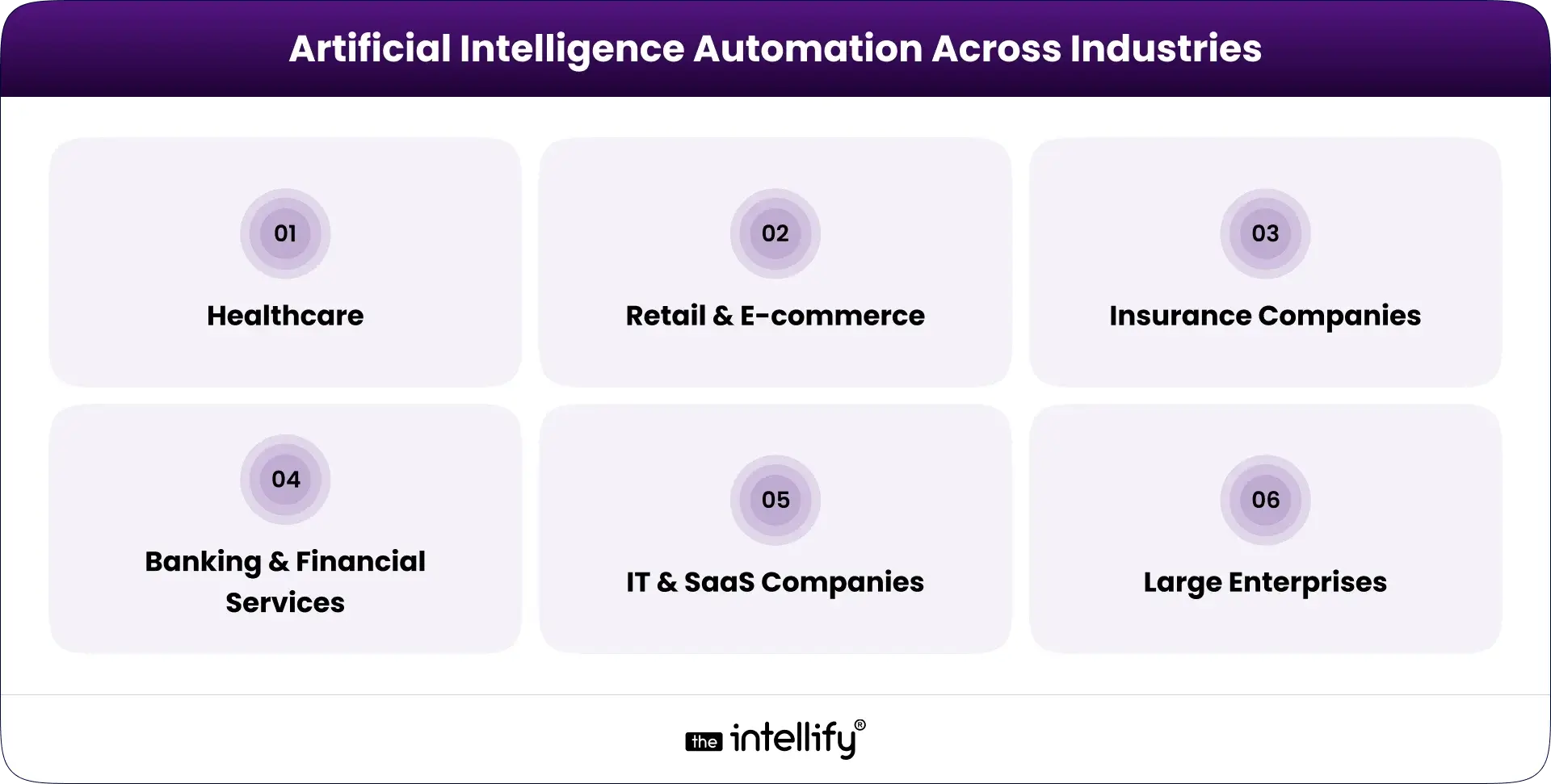
1. In healthcare, digital systems improve patient data access and coordination between departments. This leads to better treatment planning and fewer errors.
2. In retail, AI-powered forecasting helps optimize inventory and reduce waste. Stores can respond quickly to changing demand.
3. Manufacturing companies use predictive maintenance to reduce equipment breakdowns and downtime.
4. Financial institutions apply automation and analytics to strengthen compliance and fraud detection.
5. Logistics providers improve delivery efficiency through route optimization and real-time tracking.
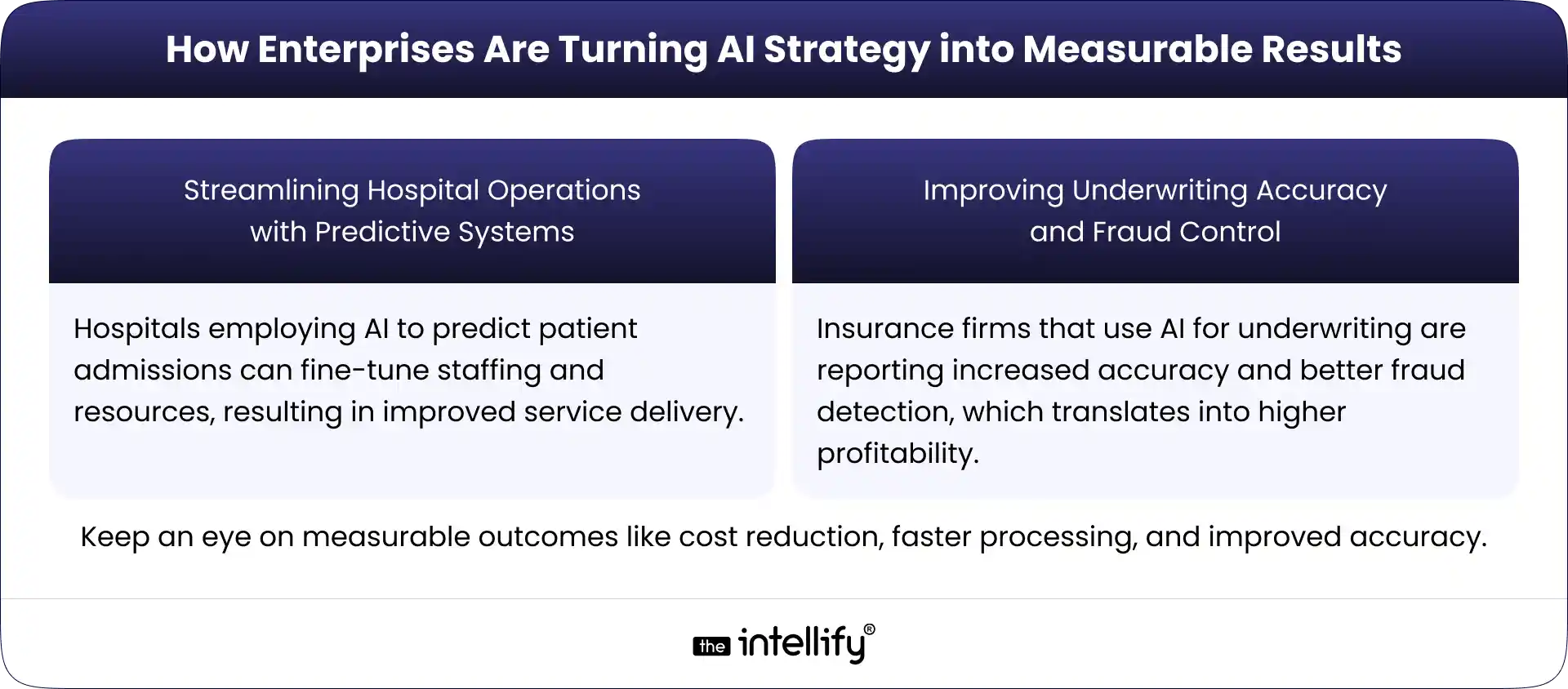
Across industries, the focus remains on measurable results such as cost savings, faster processes, and improved reliability.
The Future Direction of Digital Transformation Trends
AI will continue expanding into more business functions, from operations to finance and customer service.
Multi-cloud and hybrid environments will become more common as companies seek flexibility and reliability. Intelligent automation will handle more complex processes with limited human intervention.
Responsible AI and regulatory compliance will receive greater attention. Continuous improvement will become standard practice. Digital transformation will remain an ongoing process rather than a one-time project. Future-ready organizations will focus on adaptability instead of chasing every new technology.

Final Thoughts
Digital transformation trends continue to evolve. There is no fixed destination. AI, hybrid cloud, and intelligent automation are central, but they are part of a larger ecosystem that includes data, security, sustainability, and people.
Success depends on strategic alignment, not just buying new software. Organizations that adapt thoughtfully gain long-term advantage. They listen, test, learn, and adjust. Transformation is an ongoing journey, sometimes exciting, sometimes exhausting, always necessary.
At The Intellify, we work with businesses that are navigating this journey every day. From digital transformation with AI to intelligent automation and cloud modernization, our focus is on building practical, scalable solutions that fit real business needs, not just trends on paper.
If you’re planning your next step in digital transformation, the key is simple: start with purpose, move with clarity, and stay flexible.
Frequently Asked Questions (FAQs)
1. How are emerging digital transformation trends influencing business strategy today?
Emerging digital transformation trends are pushing companies to move beyond basic system upgrades. Businesses are now using AI, hybrid cloud, and intelligent automation to build flexible, data-driven operations. Strategy is focused on speed, better decisions, and long-term scalability instead of short-term fixes.
2. Why is AI becoming central to digital transformation initiatives?
AI enables predictive insights, smarter customer engagement, fraud detection, and operational forecasting. It helps companies shift from reactive decisions to proactive planning. Digital transformation with AI improves efficiency while supporting smarter, data-backed strategies across departments.
3. What role does hybrid cloud play in modern enterprise transformation?
A hybrid cloud combines private infrastructure with public cloud services. It provides scalability, cost flexibility, and better control over sensitive data. This approach supports remote teams, large data workloads, and secure digital growth without depending on a single provider.
4. How does intelligent automation improve operational performance?
Intelligent automation blends automation with AI-driven insights. It handles repetitive tasks, reduces manual errors, and speeds up workflows. Over time, it improves productivity, consistency, and operational visibility across finance, HR, IT, and supply chain functions.
5. Are digital transformation trends limited to large enterprises?
No. Small and mid-sized businesses are actively adopting cloud platforms, AI tools, and automation systems. Scalable technologies make digital transformation accessible without heavy upfront investment, allowing companies of all sizes to modernize operations efficiently.
6. Which industries are benefiting the most from these transformation trends?
Healthcare, retail, manufacturing, finance, and logistics are seeing a strong impact. From predictive maintenance and fraud detection to personalized customer experiences and real-time tracking, digital transformation trends are improving both operational efficiency and service quality.